
Purpose-led prototypes
Define what the prototype must prove so time and effort are focused on the right details.
05 / Validate
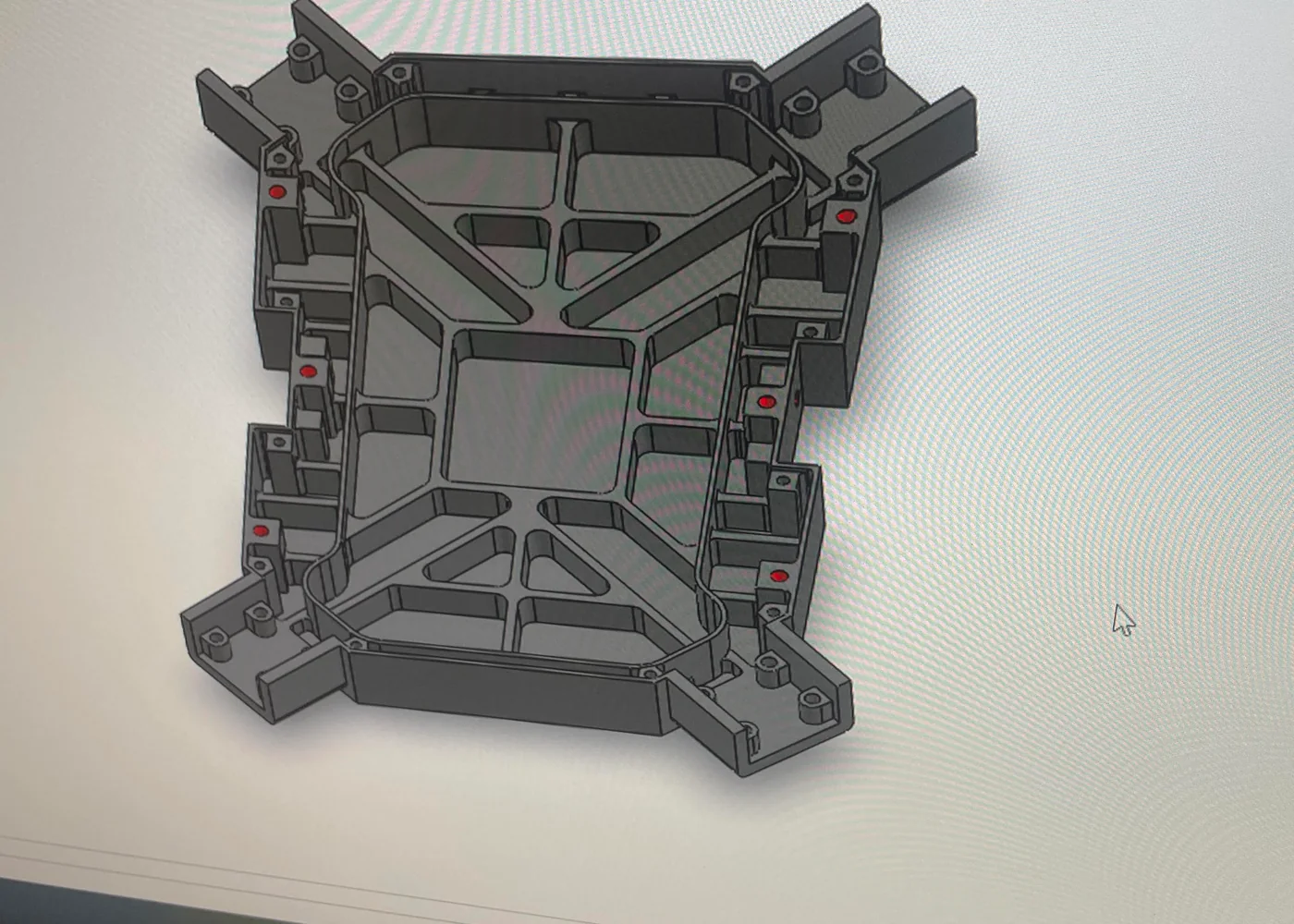
Physical prototypes for checking form, fit, assembly and function before committing to the next manufacturing stage.


What we do
The approach
Define what the prototype must prove so time and effort are focused on the right details.
Use each physical result to update the CAD and reduce uncertainty before the next stage.
Prototype data stays connected to the design and manufacturing workflow instead of becoming a dead end.
Have enough information to begin? Start now and add technical details progressively.
Start design project ↗Project workflow
Engage True Axis for one stage or carry the project through the complete workflow.
Define the risk or assumption that needs testing.
Adapt the model and select a suitable process.
Create the prototype component or assembly.
Check fit, form, movement or function.
Update the design using what was learned.
Move to the next prototype or production stage.
Project inputs + outputs
Upload the information you already have. True Axis reviews geometry, application, interfaces and inspection needs before confirming scope.
Frequently asked
No. A prototype should be selected around the question being tested—appearance, fit, movement, assembly, strength or manufacturability.
No. Printed, machined or simplified test components may each be appropriate. The method depends on what the prototype needs to prove.
Findings are reviewed against the original goal, then the CAD can be revised for another test or prepared for the agreed manufacturing route.
Start with what you have
Tell us what you need the component or system to do. We’ll help define the right next step.
Start design project ↗