
Mating parts and clearances
Bolt patterns, contact faces and available space establish where the new part can sit. In a moving assembly, we also consider clearance through its travel.
Turn a sketch, sample or existing model into a part that fits its assembly. We develop 3D CAD models and the drawings needed to quote, prototype or manufacture the design.
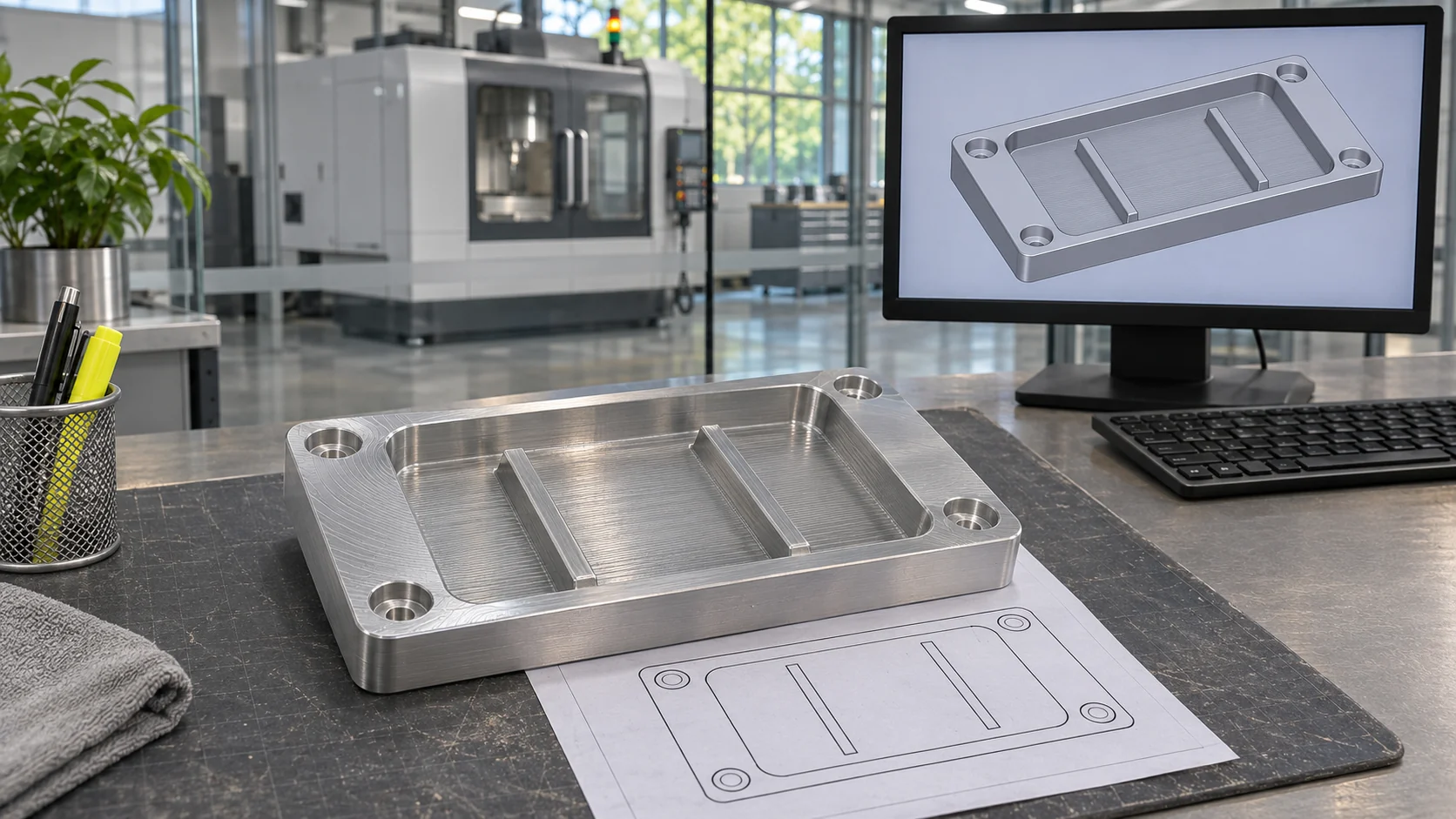
A useful brief explains where the part fits, what it connects to and what it needs to do. A marked-up photo can show a clearance problem or a mounting point as clearly as a drawing.
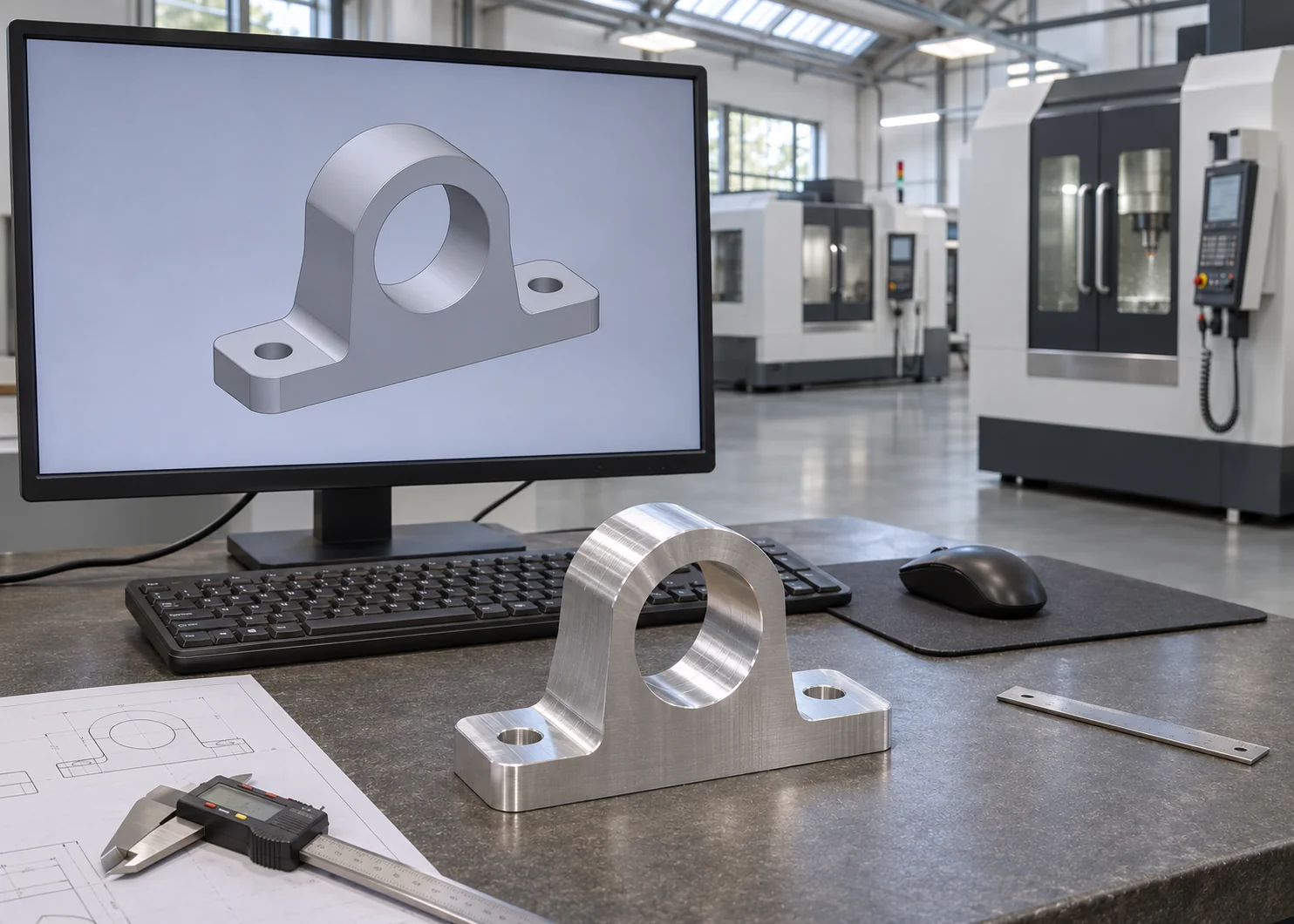
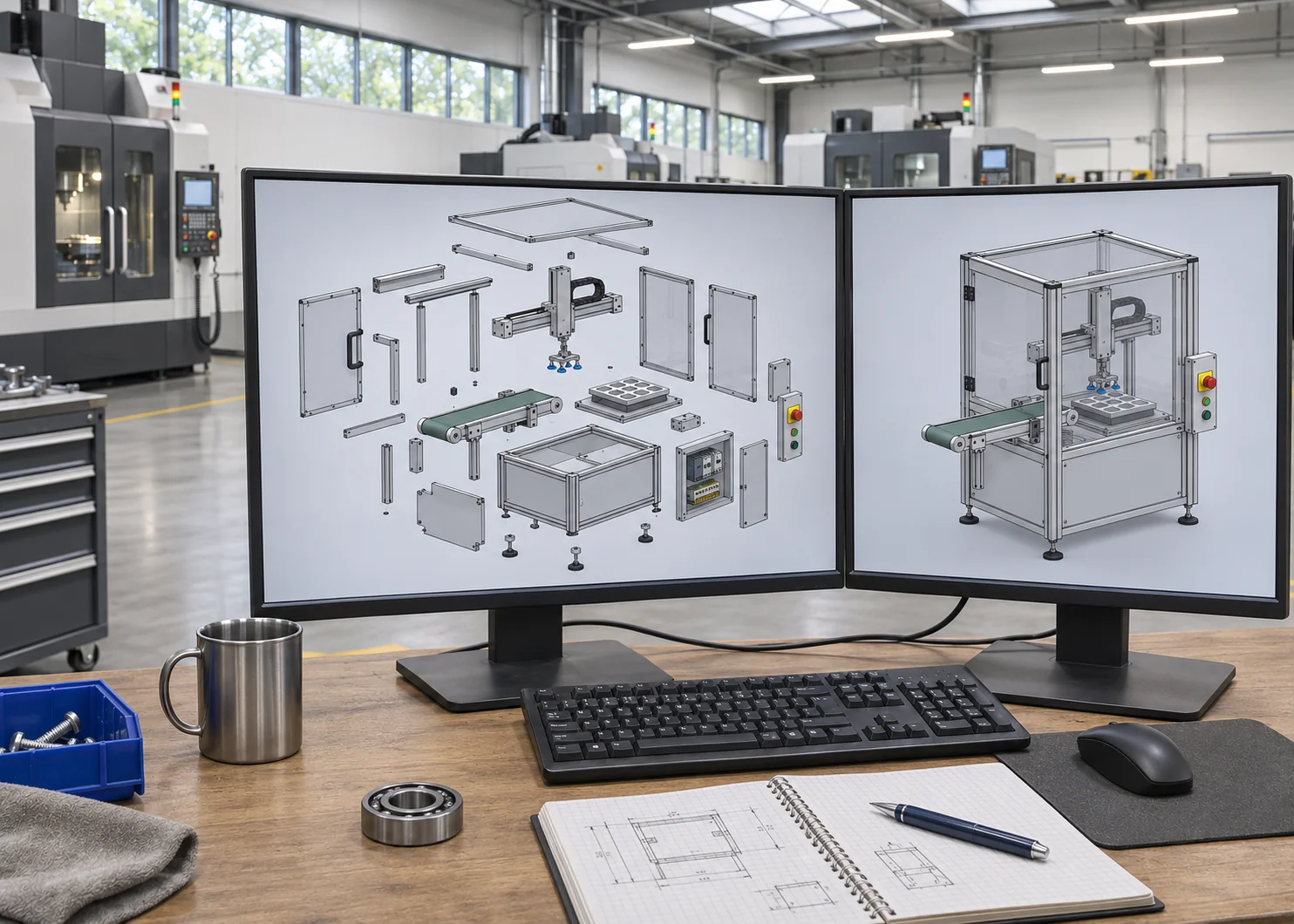
Bolt patterns, contact faces and available space establish where the new part can sit. In a moving assembly, we also consider clearance through its travel.
Material, tool access and the order of assembly influence the geometry. Reviewing these while the model is taking shape gives you a chance to change a costly feature.
The model defines the shape. A drawing can identify the dimensions, fits and surface requirements that matter when the part is made and checked.
The next use of the design determines the level of detail. A concept review and a machining quotation need different information.
Identify the function, mating components and decisions the design needs to resolve.
Develop the part geometry and the interfaces it needs to fit.
Check the layout with you and agree any changes before preparing the release.
Supply the agreed CAD files and drawings for the next stage.
Yes. Describe the problem and share a sketch, photo or sample. Include any mounting points, dimensions or clearances the design must keep.
Yes. Send the current model or drawing and mark the change. If the part belongs to an assembly, show the adjoining components so we can check the effect on fit.
We agree the CAD format, drawings and revision details with you at the outset. Tell us if a fabricator, machinist or prototype supplier needs a particular format.